Fast startup
Game files, mods, Java and metadata are prepared in parallel. Cached answers return instantly and refresh in the background.
Every Minecraft version, tuned for speed.
One launcher for every release and snapshot, with a curated Fabric performance set, your own mods and a flat grey menu that always shows DIESEL.
Set your free GitHub Release URL in config.js before publishing.
No signup to download · Desktop + Start menu shortcuts · Uninstaller included

Performance is applied before you even join a world — with or without mods.
Game files, mods, Java and metadata are prepared in parallel. Cached answers return instantly and refresh in the background.
Render distance, simulation distance, particles, clouds and lighting are tuned on every launch. No mod required.
Iris is not hidden inside the launcher. Add it as an ordinary .jar and it works with every Fabric version you choose.
Drop any .jar into the mods folder, or search and install from Modrinth and CurseForge inside the launcher.
Microsoft device-code login and Ely.by are both supported, with the token cached securely on your PC.
Flat grey background instead of the moving panorama, the exact splash plays best on diesel client, and DIESEL on every version.
Three real views: version select, mods and performance settings.
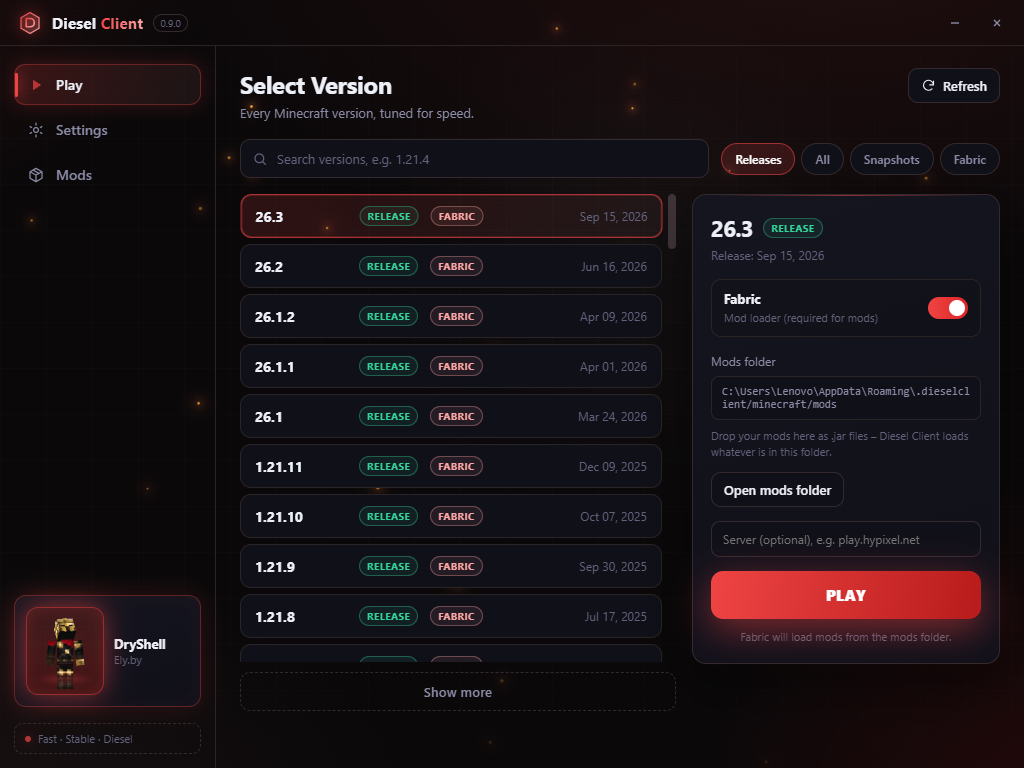
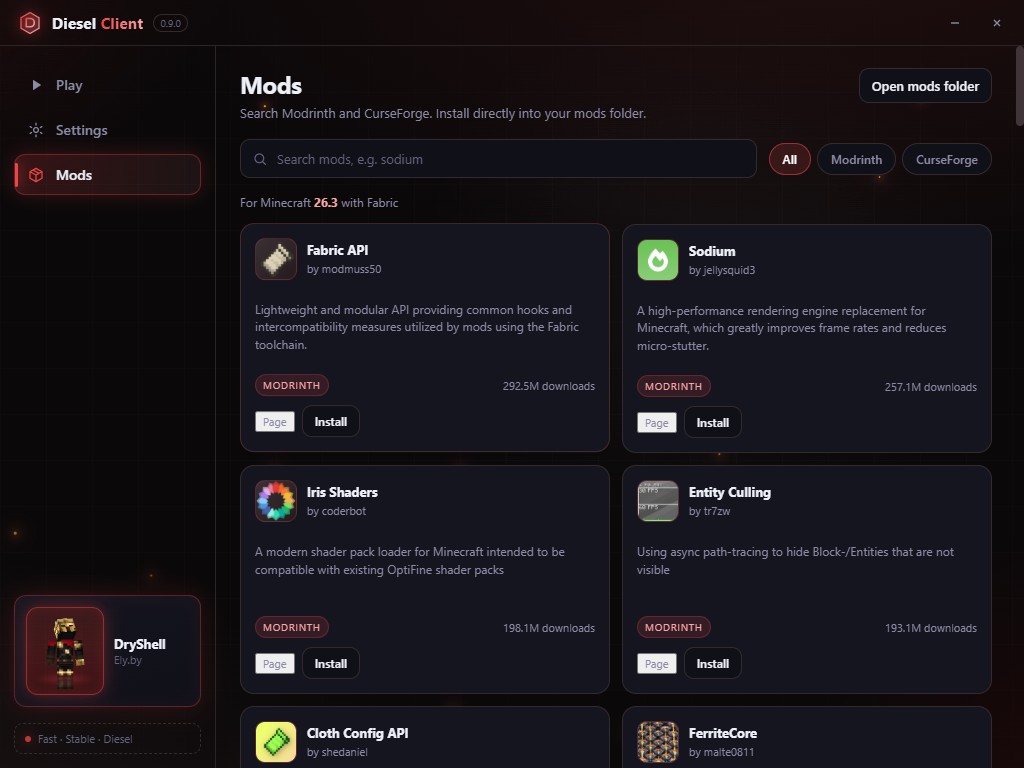
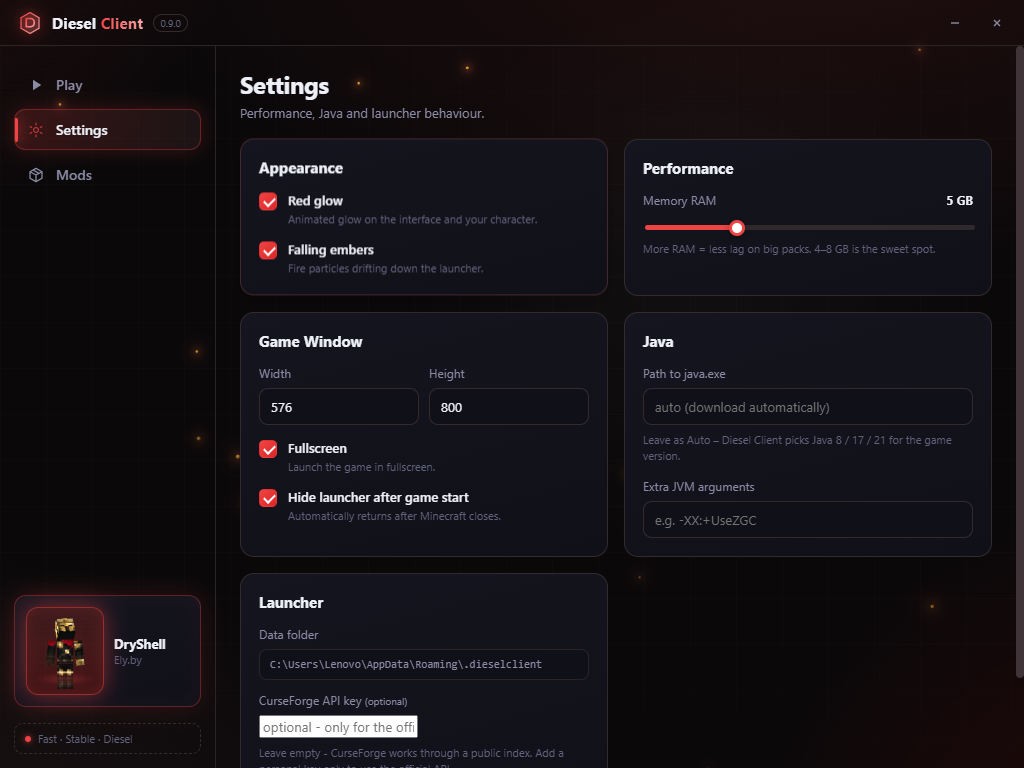
The Windows installer is free and includes Desktop and Start menu shortcuts plus a clean uninstaller.
DieselClient-Setup-0.9.0.exe from the free GitHub Release.Game data lives in %APPDATA%\.dieselclient and is never removed by the uninstaller.
Yes. The launcher, this website and the installer are free. The site runs on free Cloudflare Pages and the installer is served from a free GitHub Release.
Releases and snapshots from the official Mojang manifest. The launcher picks the right Java version automatically and applies the Diesel title pack to each one.
Yes — just drop the Iris .jar into the mods folder. It is a regular mod, not bundled with the launcher, so you can add it to any Fabric version and remove it whenever you want.
The default is 2 GB with a 512 MB starting heap. You can set any value up to 16 GB in Settings — 10 GB is available if a large modpack needs it.
In %APPDATA%\.dieselclient\minecraft\mods, or use the built-in Modrinth / CurseForge search.